Using from n8n
n8n’s OpenAI nodes work with Oraicle as they are; only the credential changes.
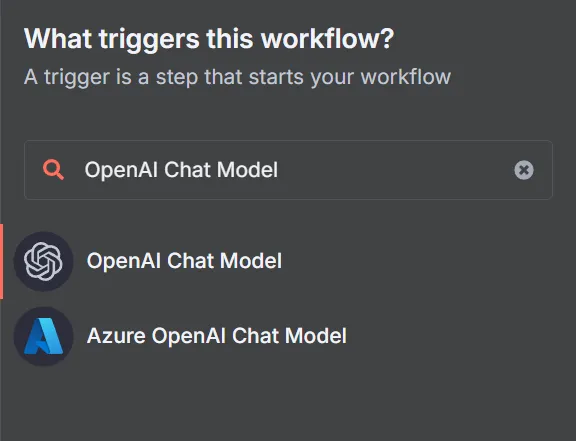
Just add an “OpenAI Chat Model” node:
(Or edit an already existing one by double clicking on the node)
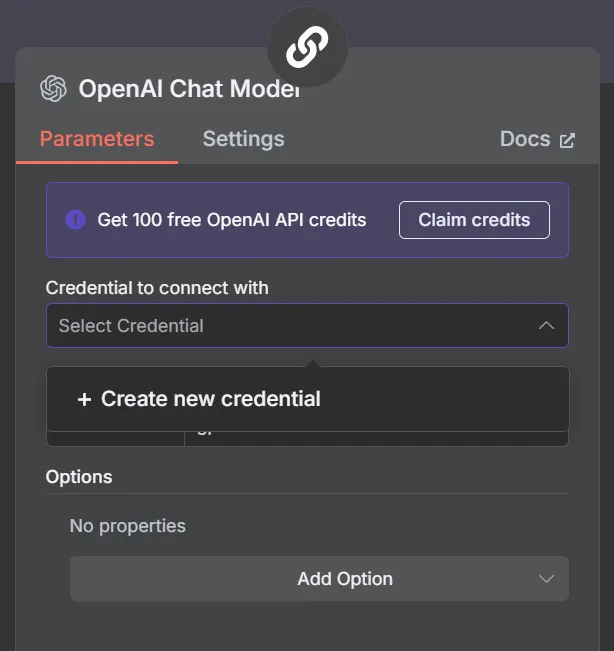
When the node editor opens, in the Credential to connect with input select Create new credential.
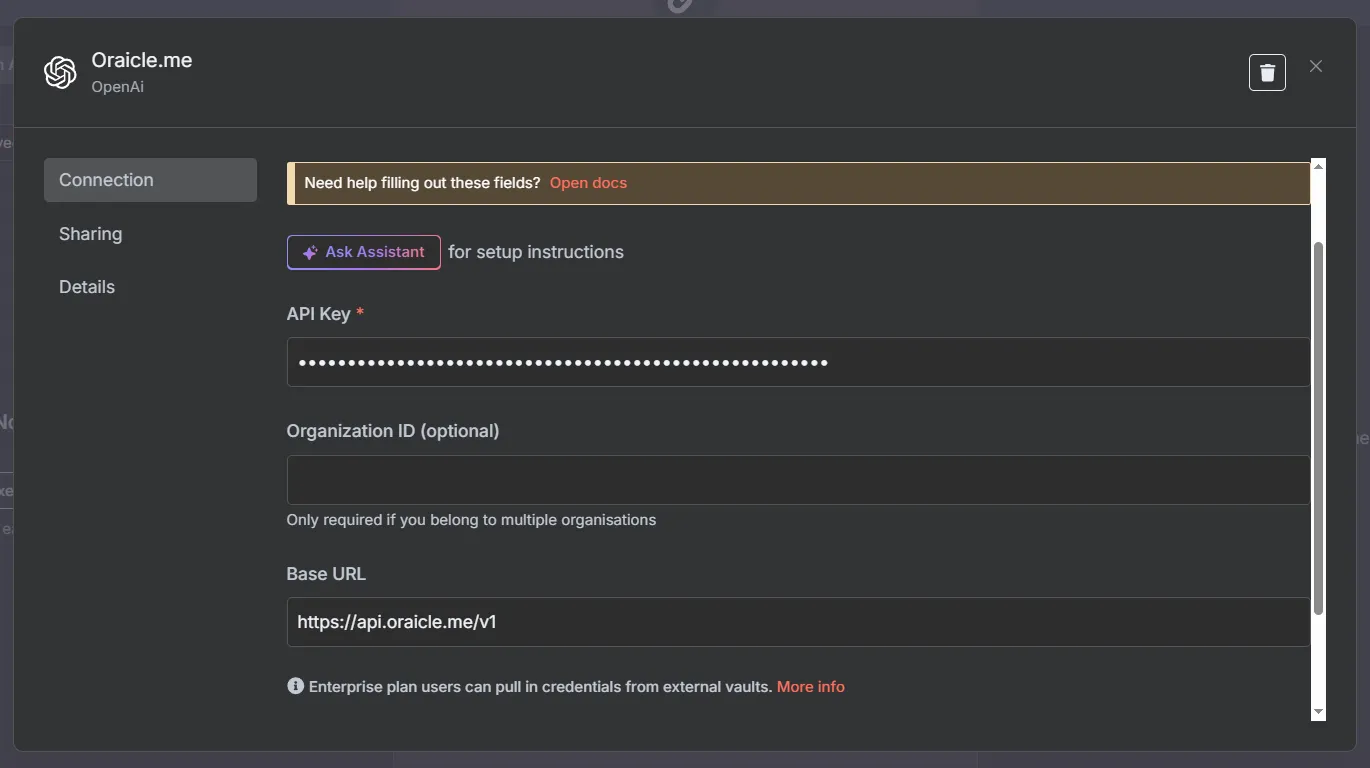
In the API Key field, enter the Oraicle API key you got from the console.
And for the base URL set it to https://api.oraicle.me/v1.
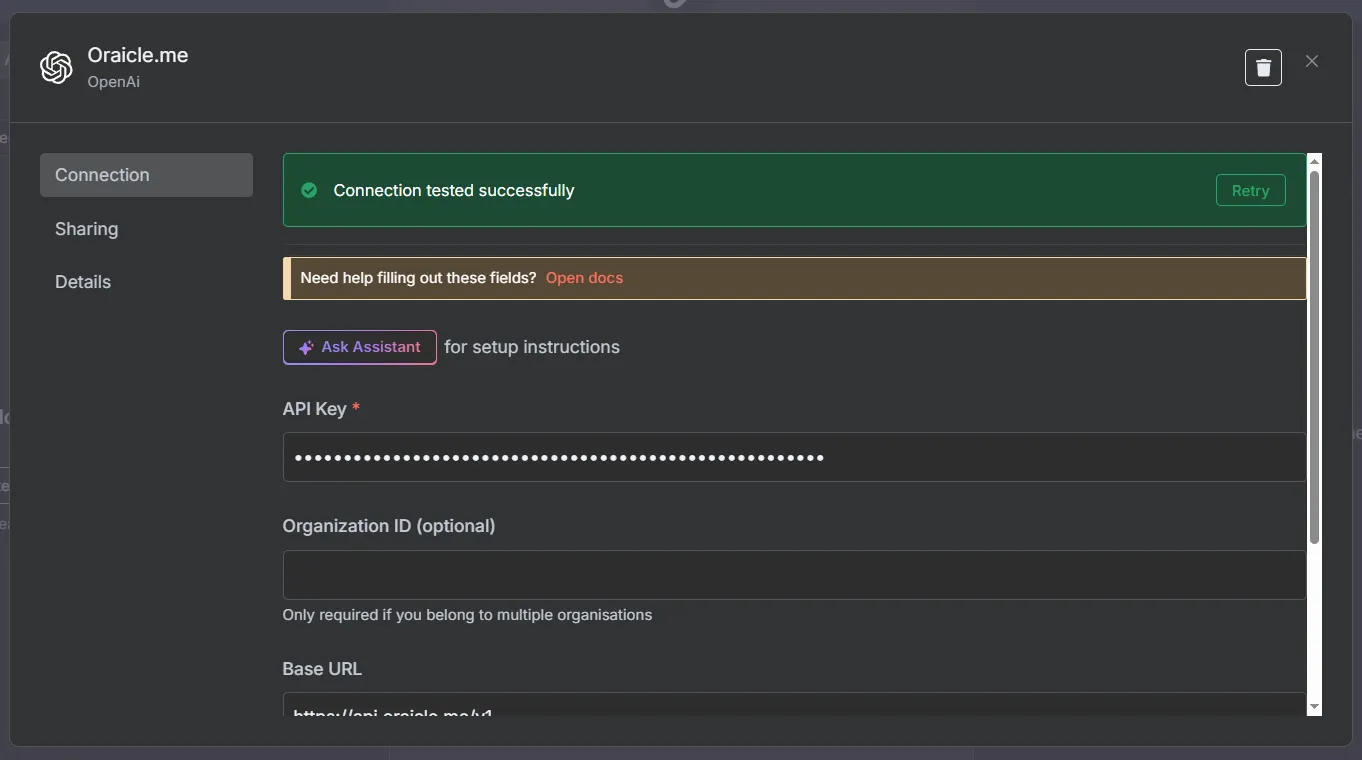
If everything is right, after clicking save a green banner should pop up saying “Connection tested successfully.”