Using from n8n
To use Oraicle models from within n8n is very simple.
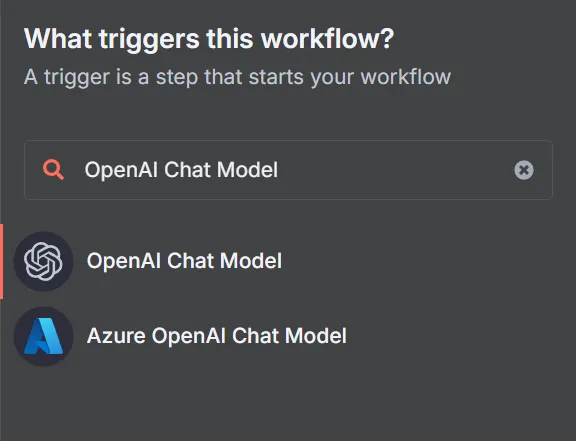
Just add an “OpenAI Chat Model” node:
(Or edit an already existing one by double clicking on the node)
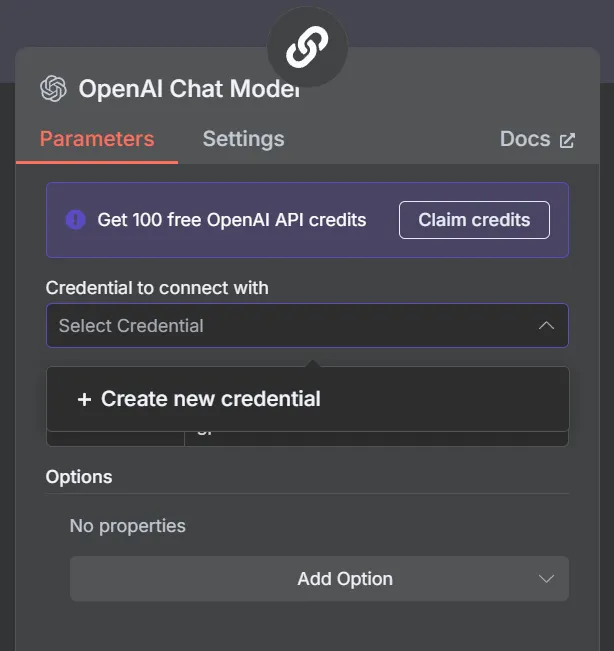
When the node editor opens, in the Credential to connect with input select Create new credential.
For the API Key input your Oraicle API Key you got from the Dashboard.
And for the base URL set it to https://api.oraicle.me/v1.
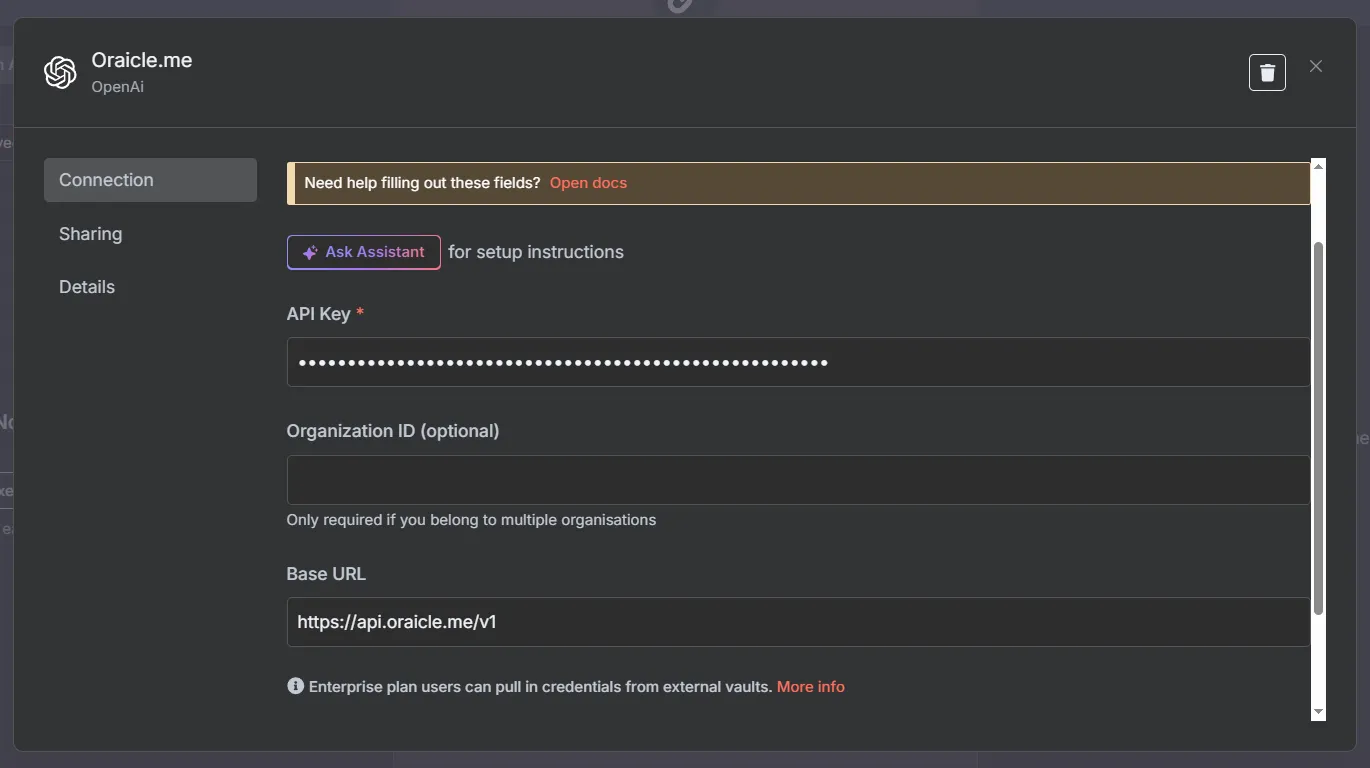
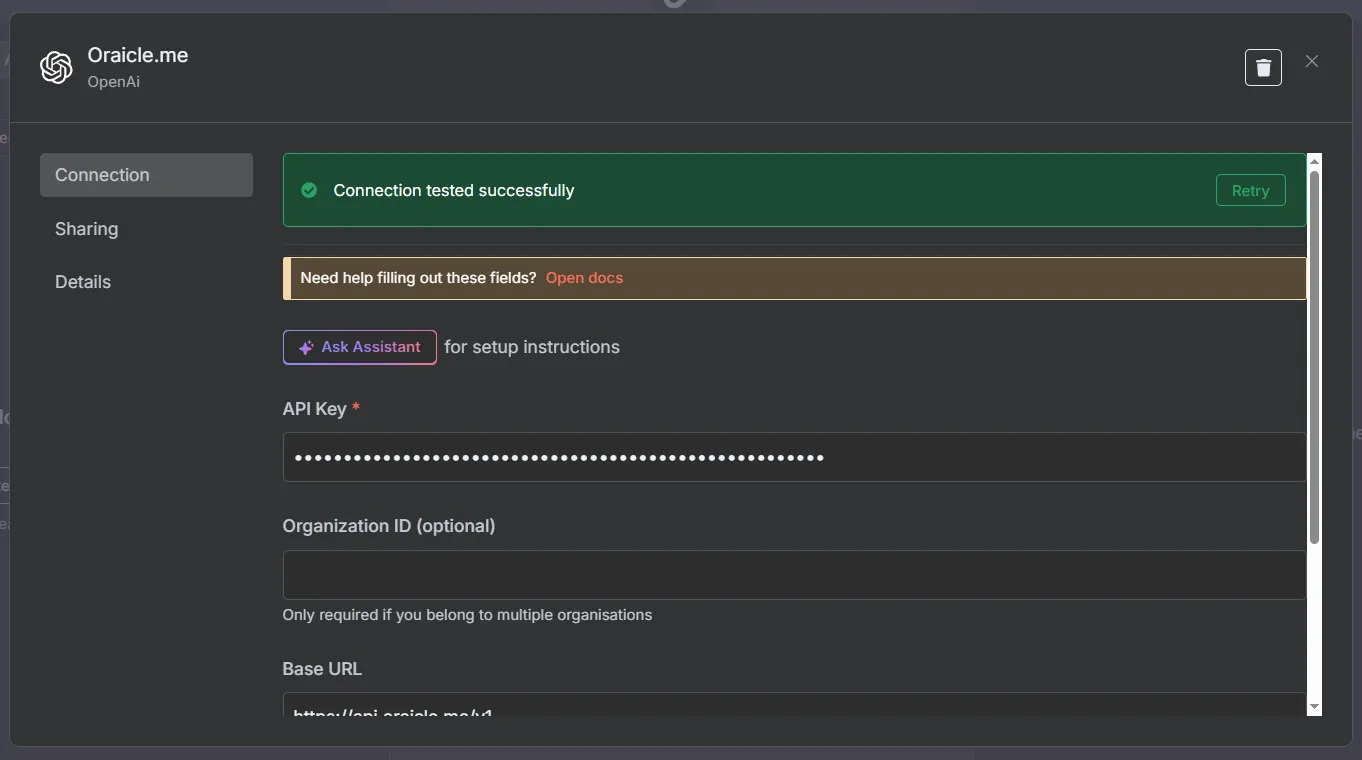
If you’ve done everyhing right, after clicking save a green banner should pop up saying “Connection tested successfully.”